AI invoice capture — invoice OCR for contractors
Supplier bills shouldn't be an evening of retyping. Jobyo watches your inbox, reads each invoice with Claude-powered OCR, and hands you a drafted purchase invoice — allocated to the right job, waiting for your OK.
From inbox to drafted invoice
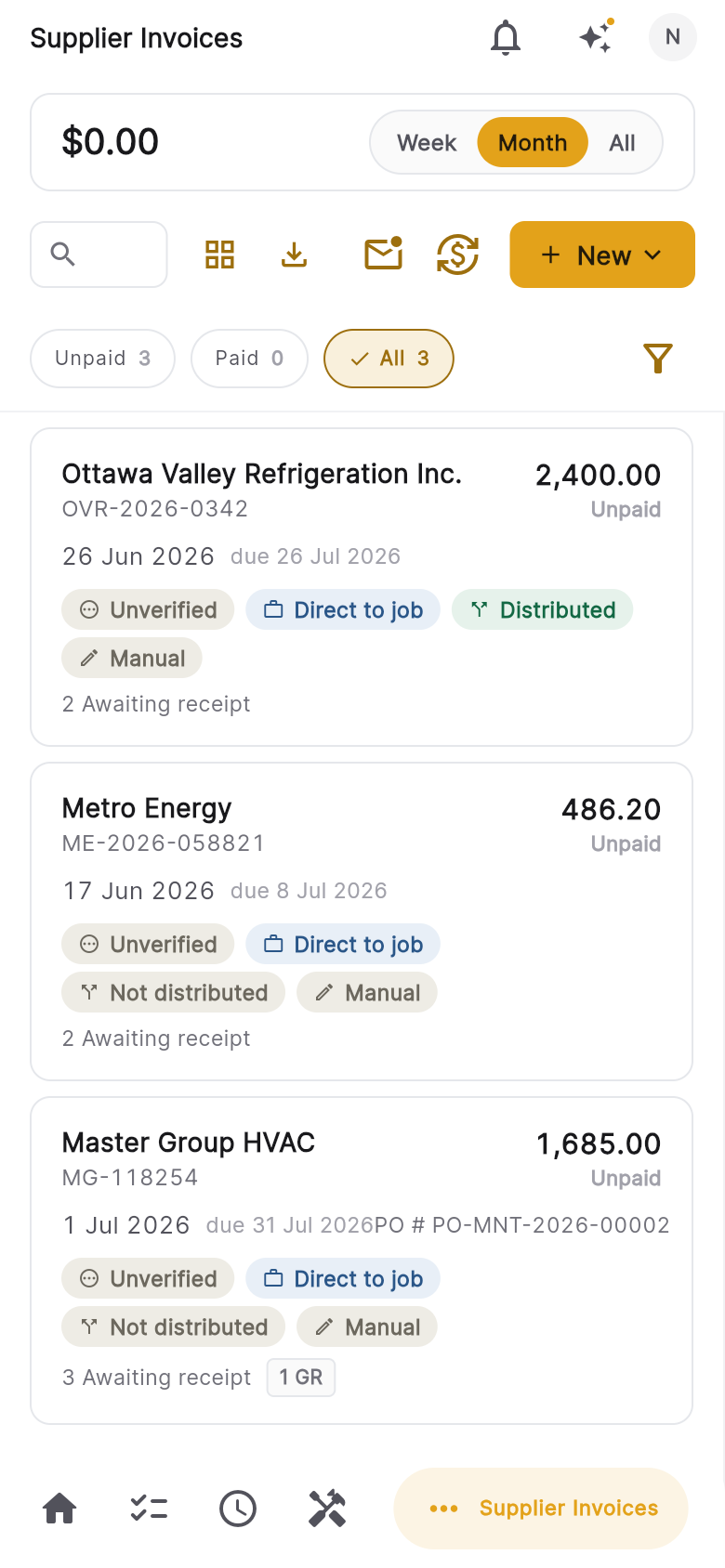
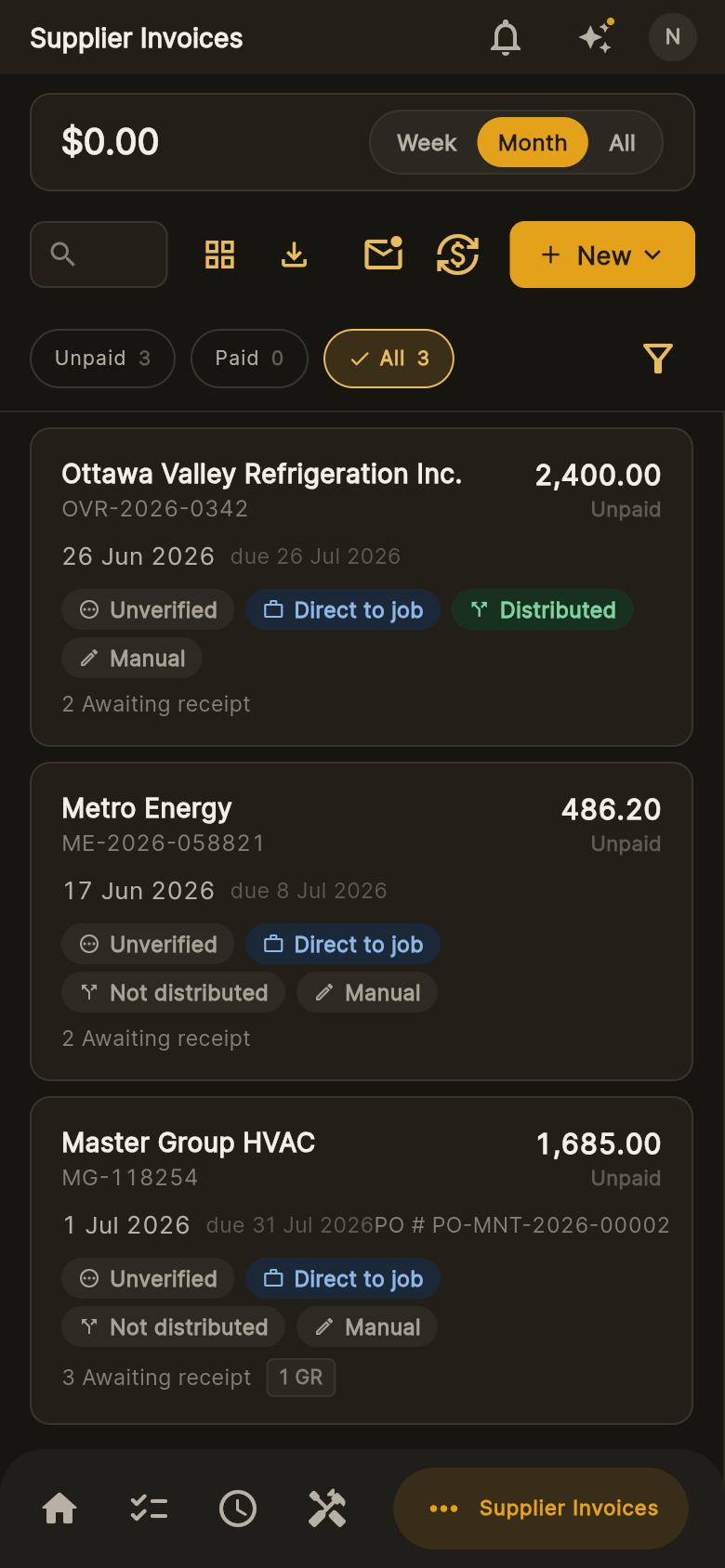
Connect Gmail or Microsoft 365 and Jobyo pulls in invoice and receipt attachments — or snap a photo in the field. OCR and line-item extraction read the supplier, items, quantities, taxes and totals from any PDF or photo, match the supplier and purchase order, and classify invoice vs. credit note.
- Import from Gmail or Outlook, or capture by photo
- Supplier and purchase-order auto-match
- Line items, taxes and totals extracted as written
You verify — nothing books itself
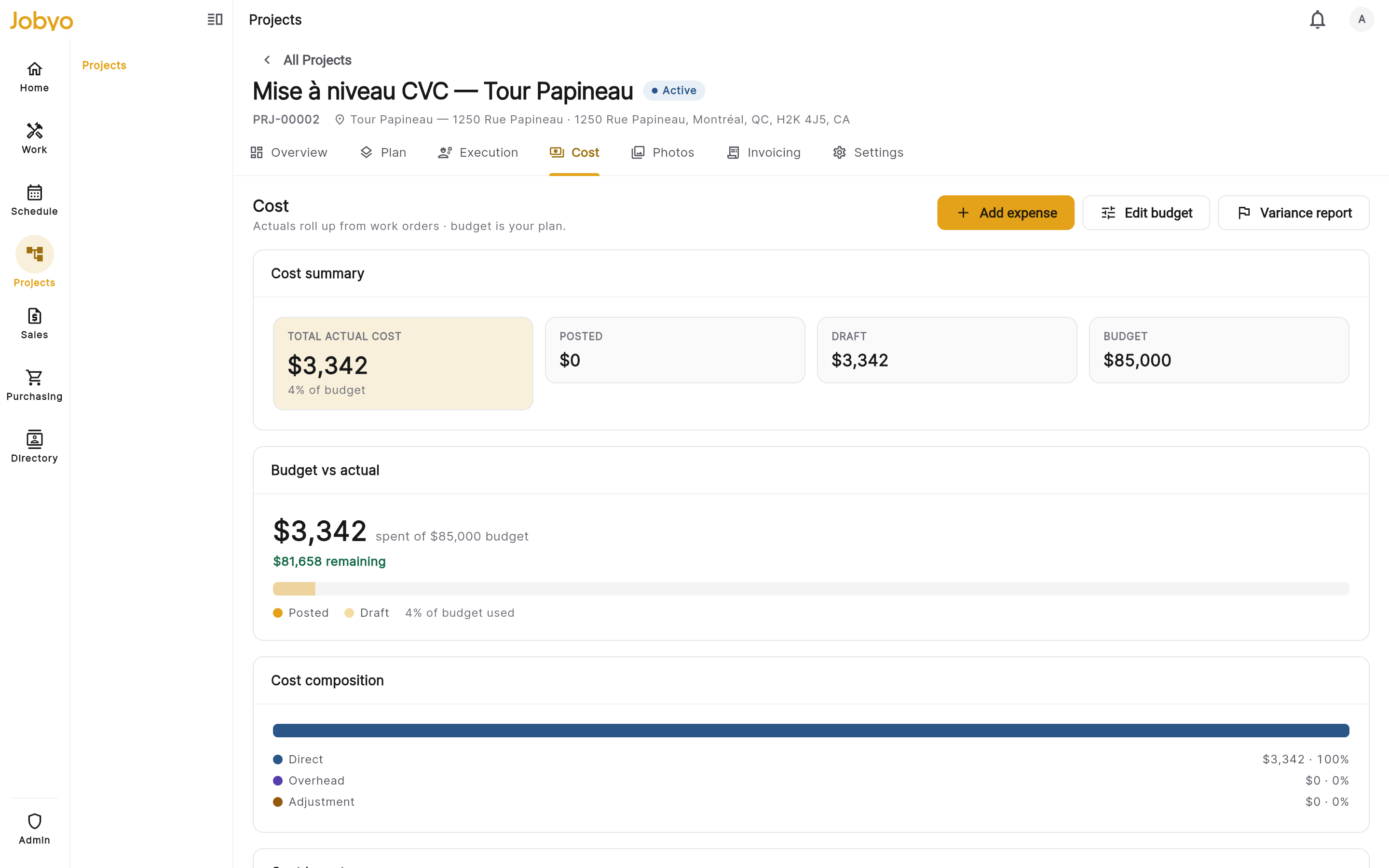
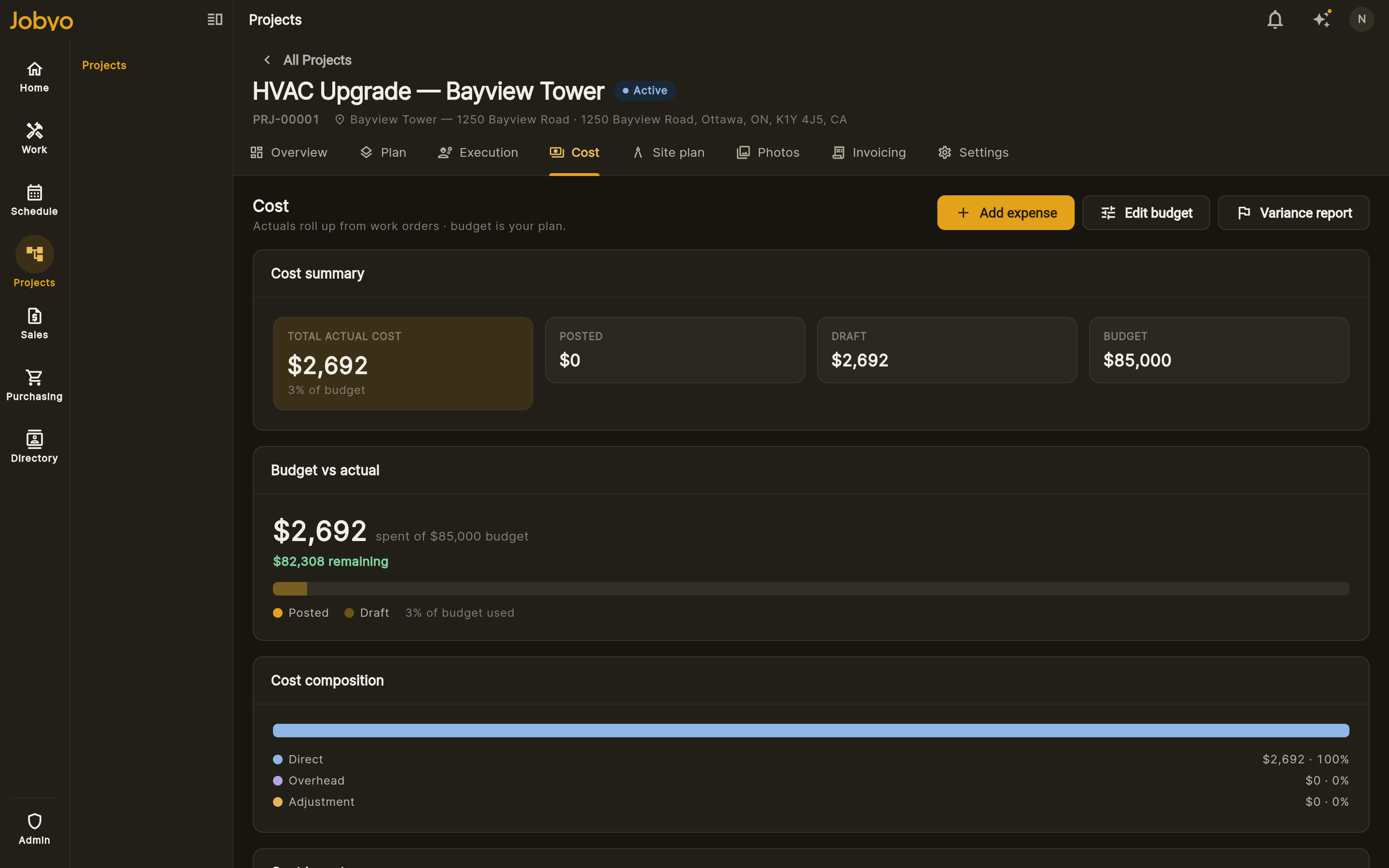
Every extraction lands on a verify screen: check the lines, fix anything, choose the job or work order it belongs to, then save. Only after your confirmation does it become a purchase invoice — and its allocations flow straight into job costing.
- Review and edit before anything is saved
- Allocations feed planned vs. actual job costing
- Plan-metered scans: 50/mo on Team, 100 on Pro, 200 on Business
What Claude reads off the page
- Supplier — matched against your supplier list
- Document type — invoice vs. credit note, classified automatically
- Line items — descriptions, quantities and prices
- Taxes and totals — captured as written, plus the PO reference when there is one
Frequently asked questions
OCR plus extraction: software reads a supplier invoice from a PDF or photo — supplier, line items, taxes, totals — and turns it into a structured draft you can review, instead of retyping it.
No — deliberately. Every captured invoice lands on a verify screen first. You review the lines, pick the job, and confirm; only then is the purchase invoice saved.
They become purchase invoices allocated to the job or work order you choose — and those allocations feed live job costing, so the bill shows up in actual cost against budget.
From the Team plan: 50 scans per month on Team, 100 on Pro, 200 on Business.