Work order software for trade contractors
The work order is where the truth lives — what was asked, what was done, what it cost. Jobyo runs it end to end: created from a request or a plan, executed in the field on a phone, reviewed, and turned into the invoice.
Filled in the field, from a phone
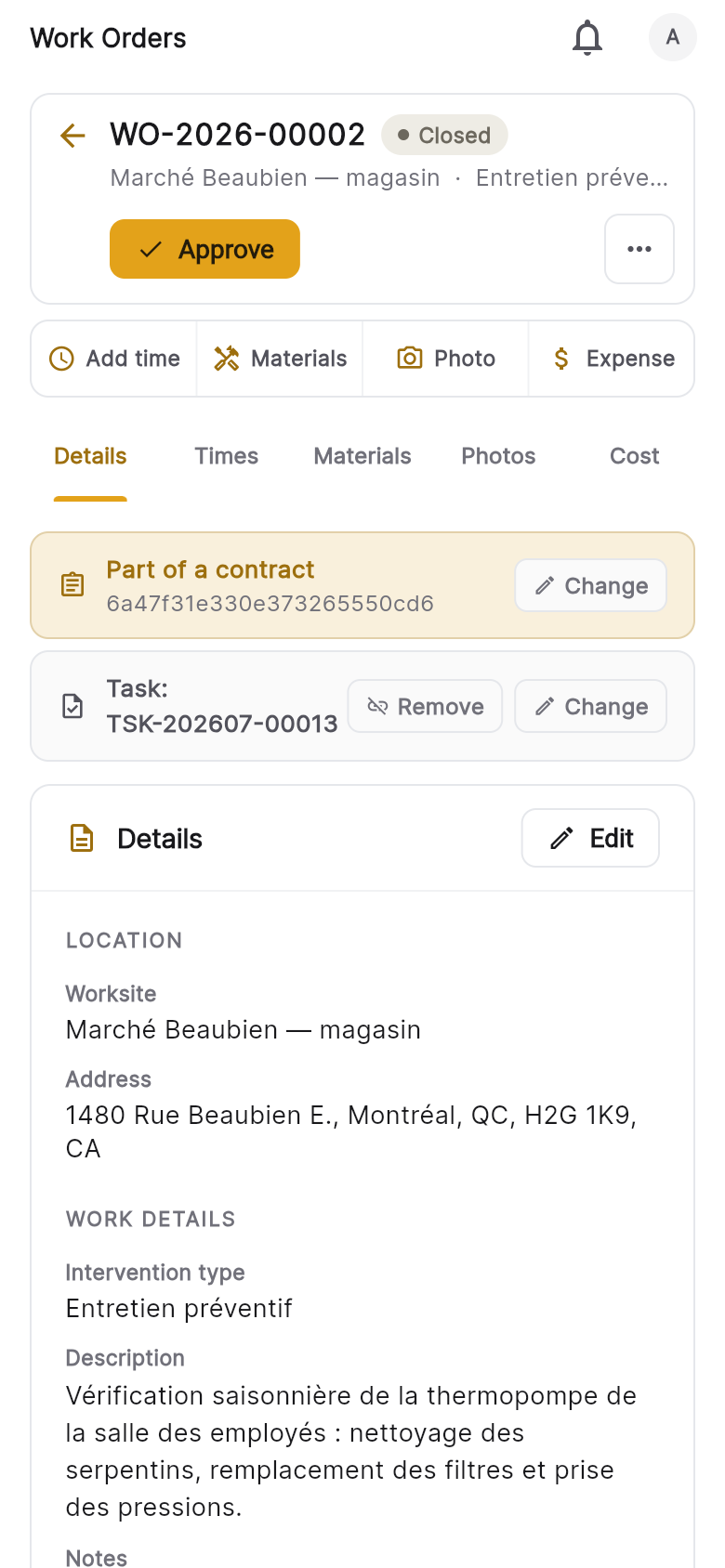
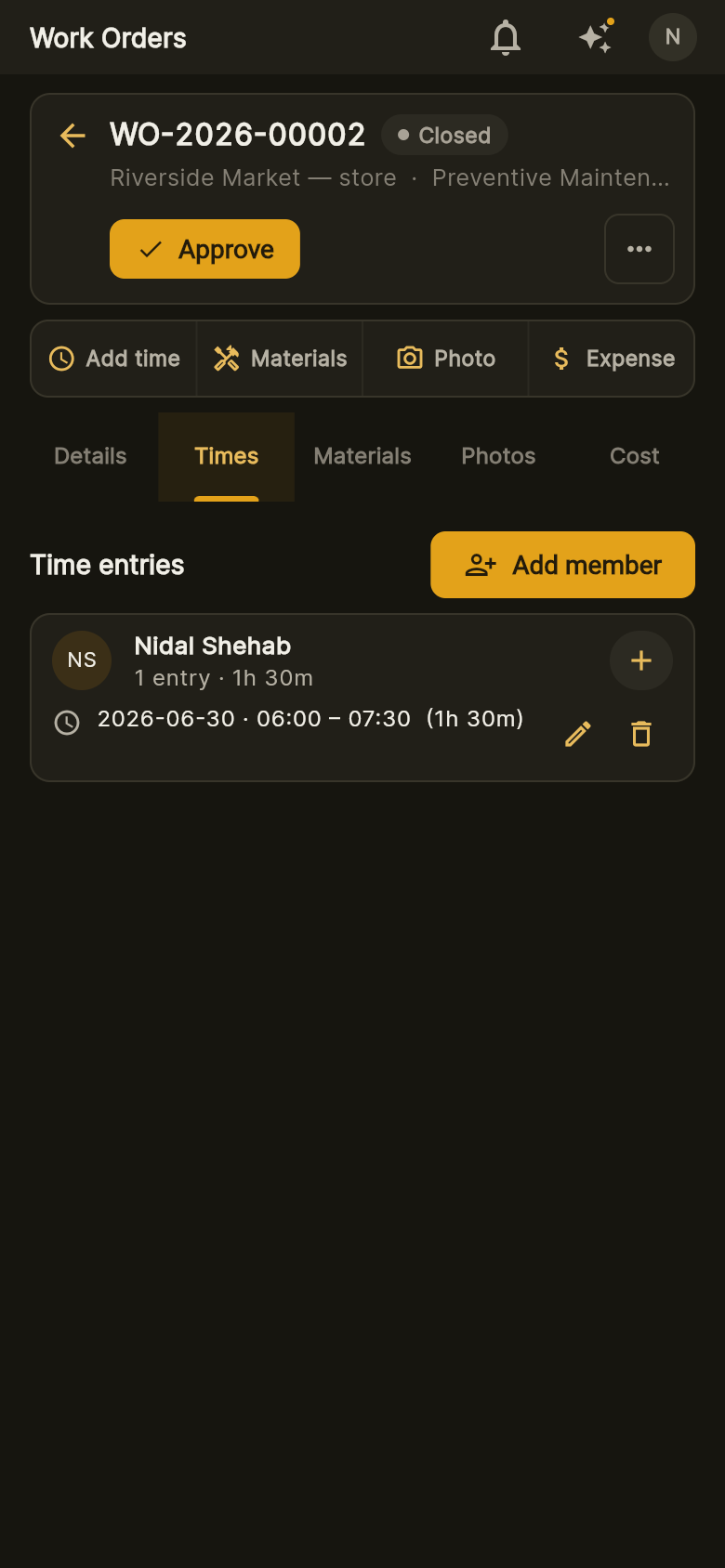
Technicians work the order on site: GPS-stamped check-in and check-out, time entries, materials used, expenses with a photo of the receipt, and job photos — all attached to the work order as it happens.
- GPS-stamped check-in/out and time entries
- Materials, expenses and photos on the work order
- Works in English and French — the app is fully bilingual
Reviewed before anyone bills it
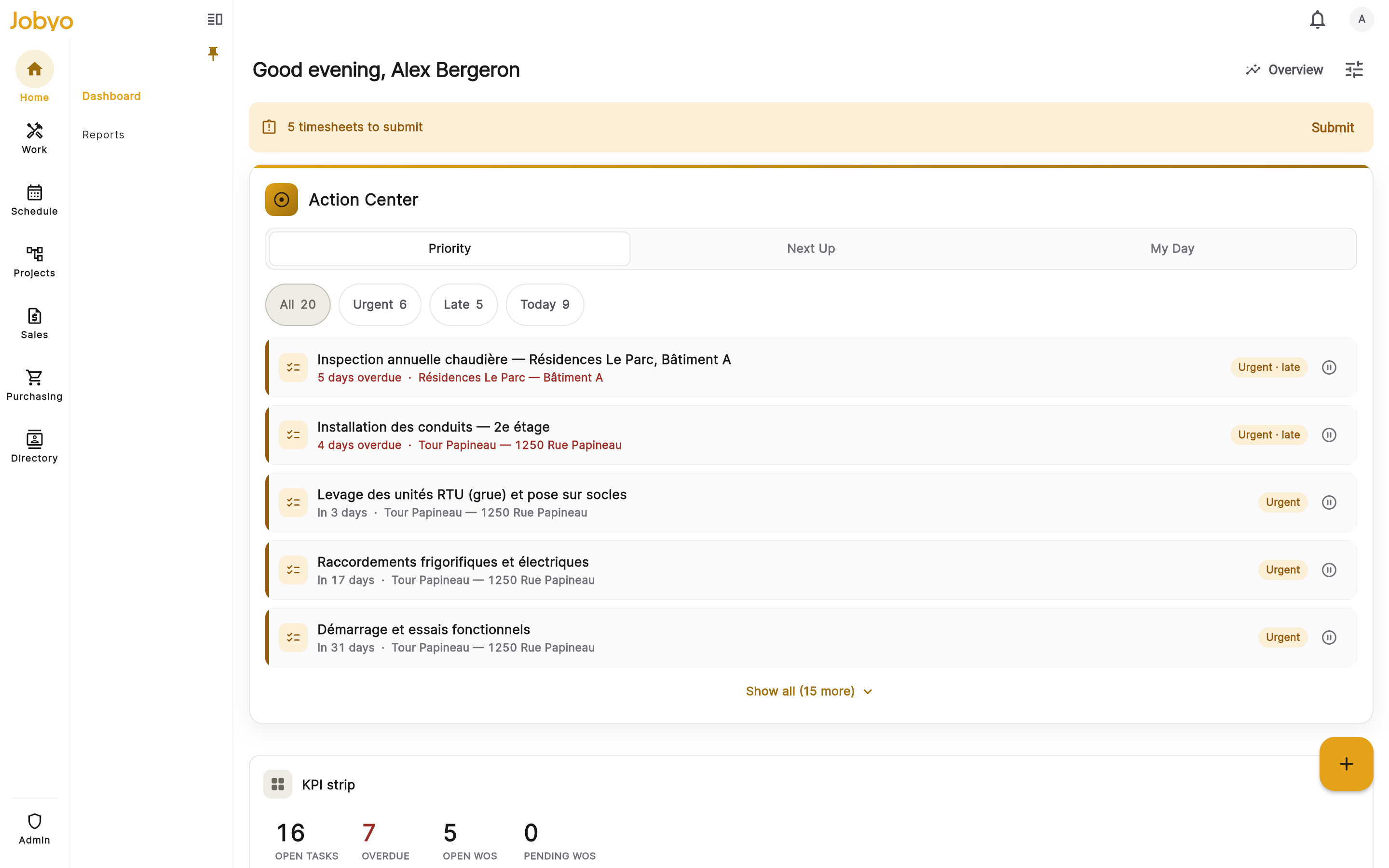
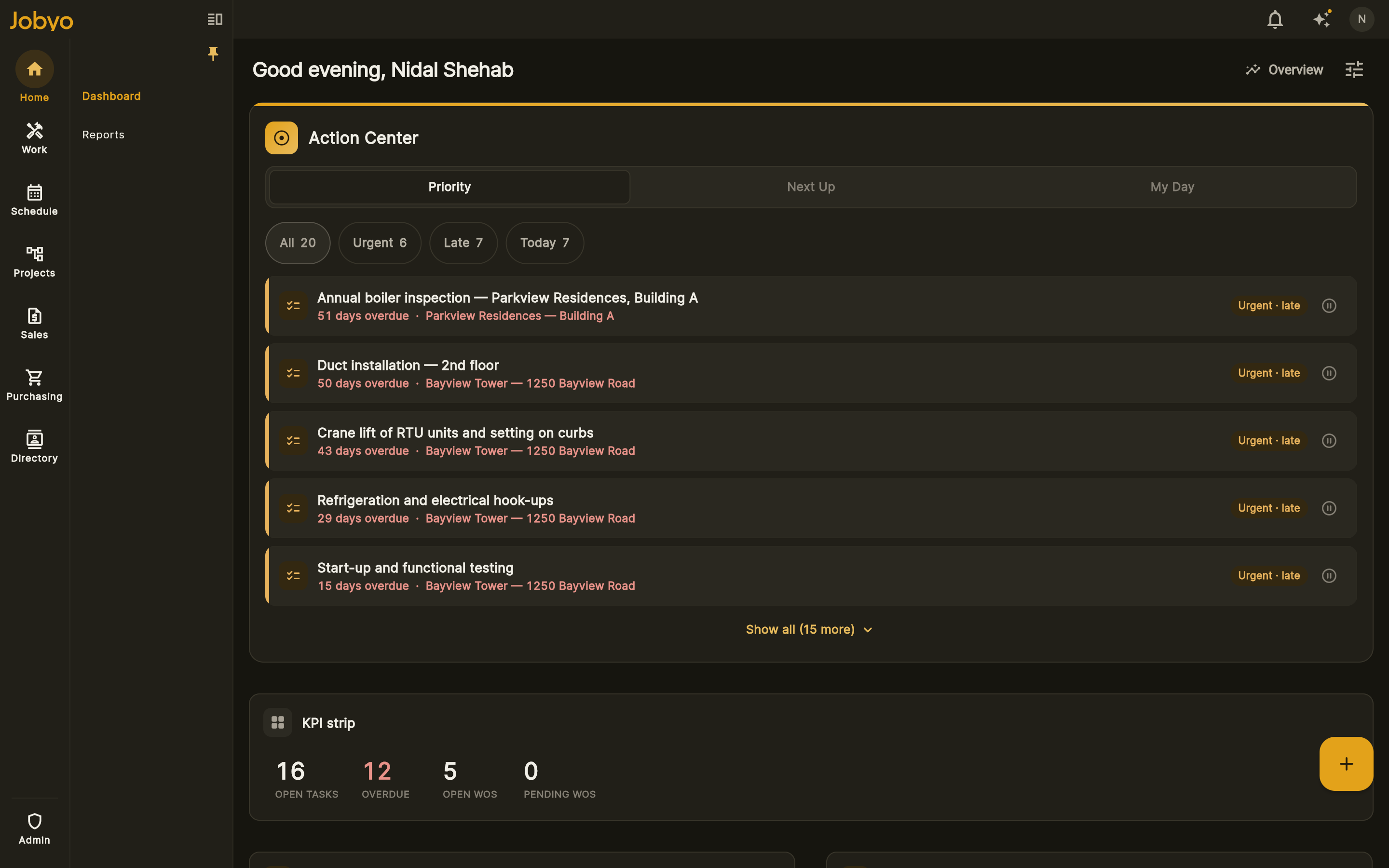
Closed work orders carry their full story — time, materials, cost — so managers and finance review real records before billing. One click turns the finished work order into a draft invoice you can edit before sending.
- Approval step before the work order becomes money
- Work order → invoice, with the cost behind every line
- Every entry feeds live job costing (from the Pro plan)
One work order, the whole chain
- Created from a service request, a project plan, or directly
- Scheduled and dispatched to the right technician or crew
- Executed in the field — time, materials, photos, expenses
- Reviewed, approved, and invoiced on real numbers
Frequently asked questions
Software that manages the full life of a job ticket: creating the work order, dispatching it, capturing what happened on site, and closing it into billing — instead of paper sheets and re-typing.
Yes — the mobile app captures GPS-stamped check-in/out, time, materials, expenses and photos directly on the work order, in English or French.
A finished work order converts to a draft invoice carrying its billable lines; you review and edit before sending. Payments are then recorded and allocated against the invoice.
Yes — time, materials, allocated purchases and expenses on the work order write cost entries, so actual cost accumulates against budget in real time (live job costing from the Pro plan).