Equipment & appliance repair software for service teams
Identify every unit by its scannable asset tag, schedule the callout, and keep the parts and labour on the work order — so you know what each service actually costs before you invoice.
A callout, tied to the unit
A customer's unit is down. You schedule the callout and dispatch a tech with the right skills; the job lands on their phone with the customer, the site and the unit.
On site, they scan the unit's asset tag to pull up its exact record, check in with a GPS-stamped arrival, and log the parts and labour against the work order — with photos of the model plate and the fix.
Every callout is a costed work order, so parts and labour stay on the job and the actual cost is there before you invoice. The office turns it into an accurate bill and records the payment — no re-keying, no guessing the margin.
See how it works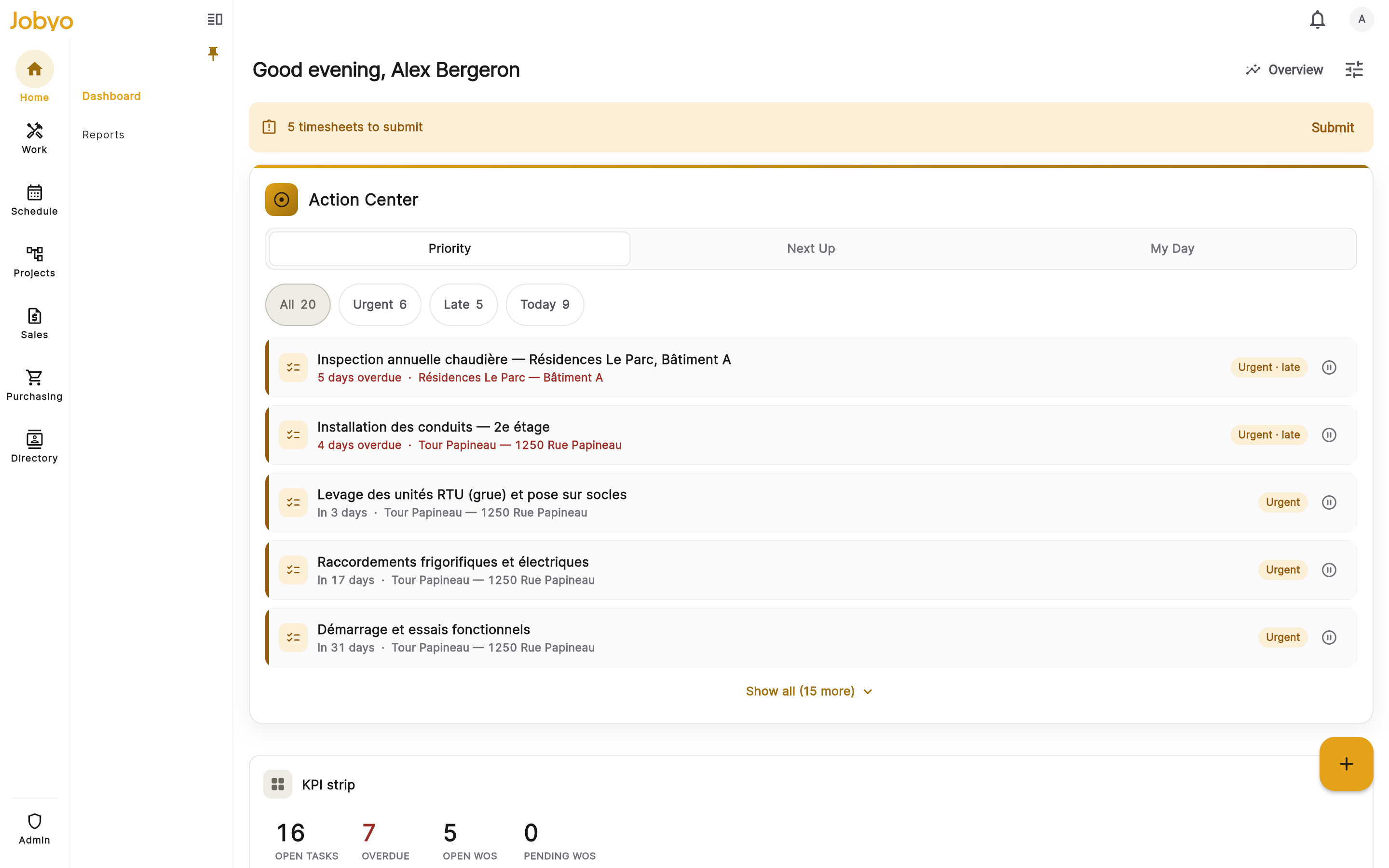
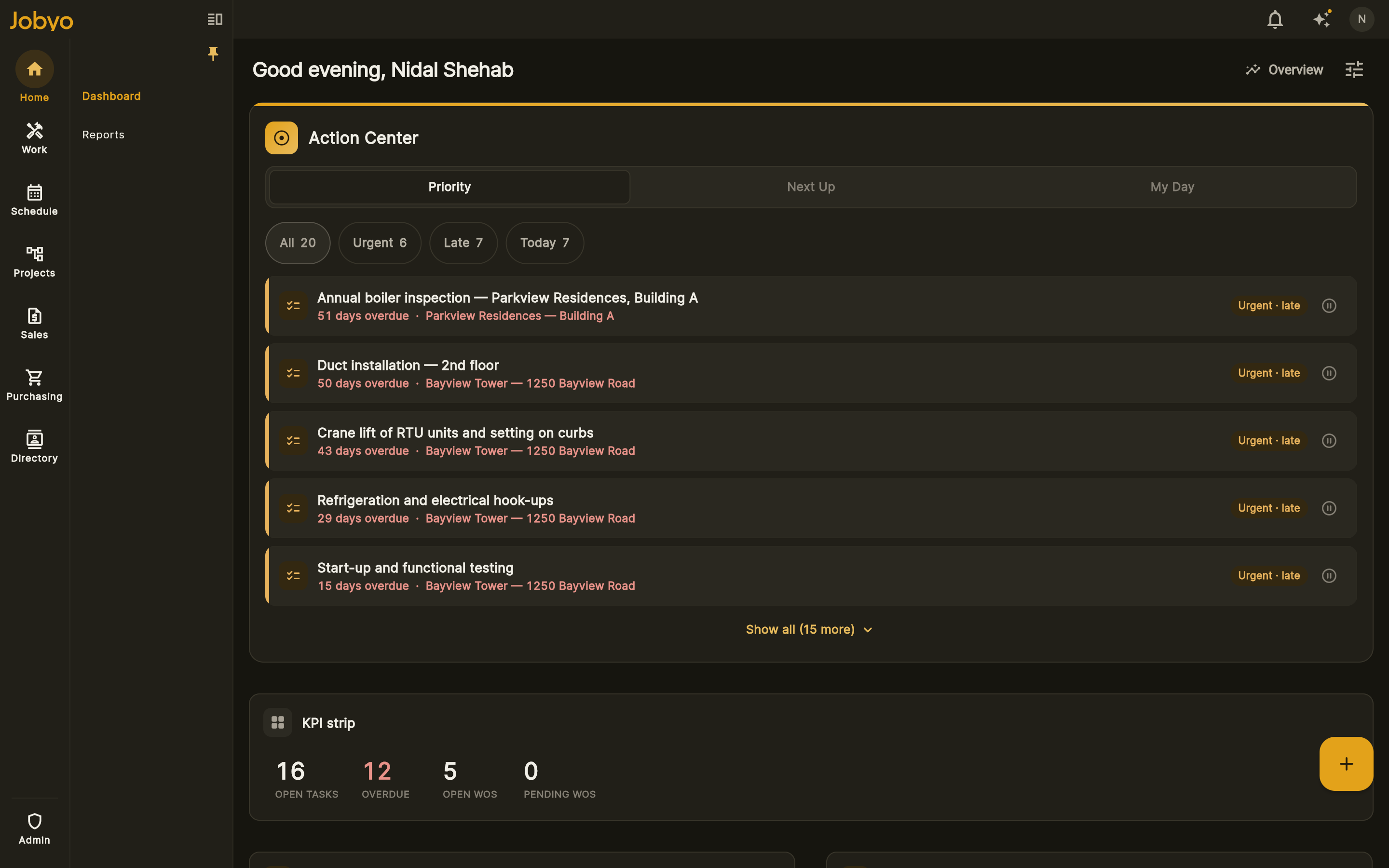
How Jobyo helps equipment & appliance service teams
Scan the unit, log against it
Every unit has a scannable asset tag (QR or barcode). Scan or type it on site to pull up the exact record and attach the callout's parts, labour and photos to that unit.
See field executionLive cost on every callout
Parts, labour and allocated purchases roll into each callout's actual cost in real time, so you see the margin before you invoice.
See live job costingSchedule & dispatch callouts
See capacity and skills, assign the callout, and the field sees it instantly — with overbooking detection so you don't double-book.
See schedulingCallout to invoice
The work captured on the callout becomes an accurate invoice with tax at send — then record and allocate the payment.
See invoicingWhat changes
- Scan the unit and log the callout against it
- Know what a callout actually costs before you invoice
- Parts and labour never slip off the ticket
- Dispatch callouts without double-booking
- One system from callout to paid
Where it fits in Jobyo
Equipment & appliance service · FAQ
Yes — every unit has a scannable asset tag (QR or barcode); scan or type it on site to pull up the exact record and log the callout against it, with a GPS-stamped check-in.
Yes — parts, labour and allocated purchases roll into each callout's (work order's) actual cost in real time, so you see margin before you invoice. (Live job costing is on the Pro plan and up.)
On project work, a cost lens can group a project's cost by the equipment dimension. For standalone callouts, each work order carries its own actual cost.
Yes — the work captured (parts, time, photos) becomes an accurate invoice with tax at send, and you record and allocate the payment by card, bank, cash, cheque or Interac.
Yes. A one-to-five-tech shop can run scheduling, mobile work orders, invoicing and payments on the Starter or Team plan, and add live job costing as you grow. There's a 14-day free trial, no credit card.
HVAC & refrigeration
From emergency service calls to seasonal maintenance agreements and equipment installs, Jobyo runs the whole job on one system — schedules it, captures it in the field, and shows what each call actually costs as the work happens.
See how it worksPlumbing & electrical
Dispatch the right tech, capture exactly what happened on site, and turn the visit into an accurate invoice the same day — with the real cost behind every line and the payment recorded and allocated.
See how it worksFacilities & property maintenance
Recurring work across many sites and assets — scheduled, executed in the field, and costed as it happens, so you can see what a property actually costs to service and price renewals on real numbers.
See how it worksProject-based contractors
Break the work into phases, publish a budget baseline, and watch actual cost climb against plan while the project is still open — so you catch overruns before they eat the job, and bill progress on real numbers.
See how it worksSpecialty & multi-trade
Mixed crews and mixed scopes on one connected system — scheduling, work orders, costing and billing that actually talk to each other, so nothing lives in a separate tool.
See how it worksSee it on your own jobs.
Start free, bring your crew on, and watch every job's actual cost against plan from day one.